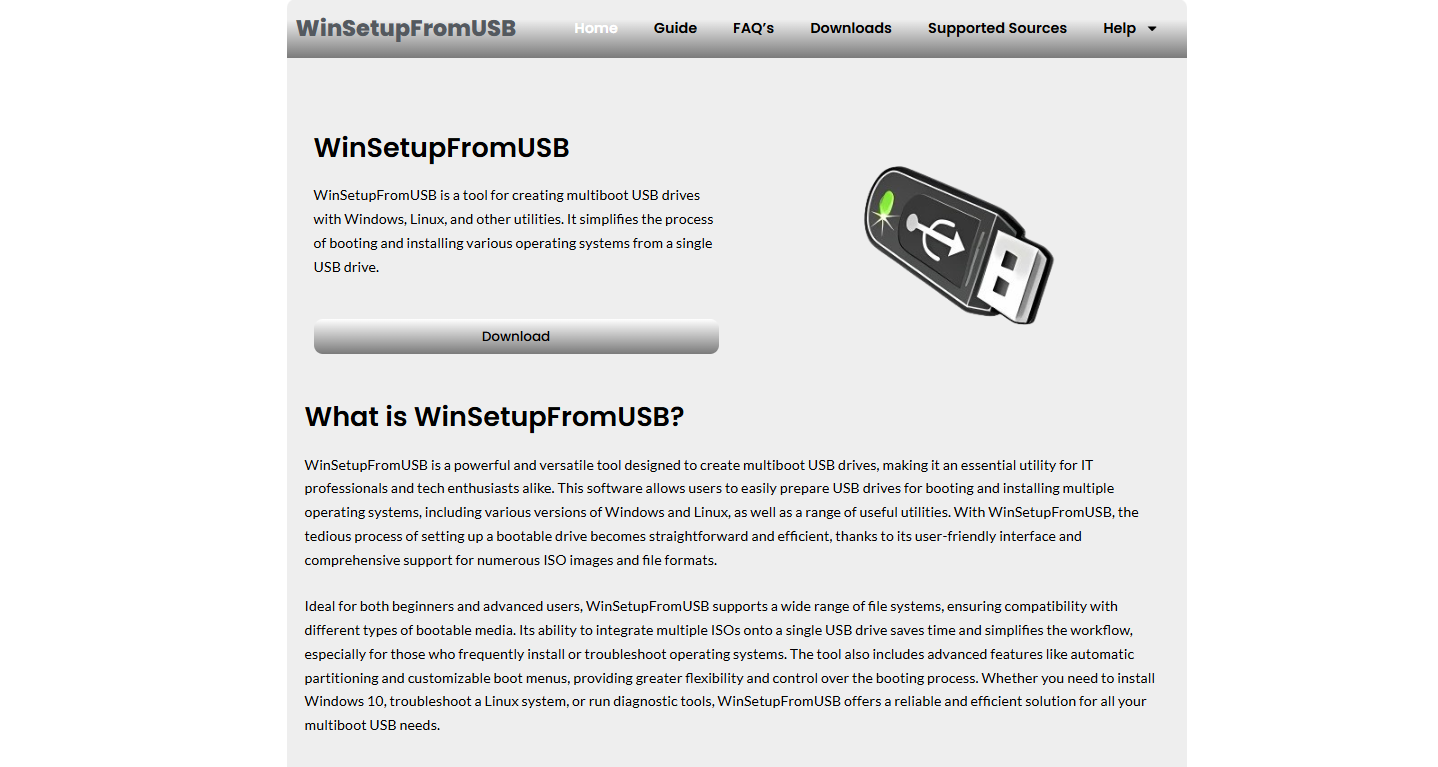
Boot problems are among the most frustrating issues a computer user can face. When a system refuses to start properly, shows errors during startup, or fails to recognize a bootable drive, it often leads to confusion and worry about data loss or system failure. In such situations, tools like WinSetupFromUSB are frequently recommended as potential solutions. But the real question is whether WinSetupFromUSB can actually fix boot problems or if it is simply a tool for something more specific.
WinSetupFromUSB is primarily known as a utility used to create bootable USB drives. It allows users to install operating systems such as Windows or Linux from a USB device instead of traditional installation media like CDs or DVDs. While it is not a repair tool in the traditional sense, it can play an indirect role in resolving certain boot-related issues depending on the situation.
Understanding What WinSetupFromUSB Does
To understand whether it can fix boot problems, it is important to first understand what WinSetupFromUSB is designed to do. This software helps users prepare a USB flash drive so it can act as a bootable installation medium. In simple terms, it turns a regular USB drive into a portable setup disk for operating systems.
When a computer is set to boot from USB, WinSetupFromUSB allows the system to load installation files directly from the drive. This is especially useful when a system’s internal storage is damaged or when the operating system is missing or corrupted. However, its main purpose is installation rather than repair.
It supports multiple boot environments, meaning you can place different operating system installers on a single USB drive. This makes it useful for technicians, IT professionals, and advanced users who regularly install or reinstall operating systems on different machines.
Types of Boot Problems Users Commonly Face
Boot problems can occur for many reasons, and not all of them can be solved using the same method. Some issues are caused by corrupted system files, while others result from hardware failure or incorrect BIOS settings. A computer might show messages like “No Bootable Device Found,” get stuck on the manufacturer logo screen, or continuously restart without loading the operating system.
In some cases, the problem lies in the boot sector or boot configuration data, which tells the computer where and how to load the operating system. In other situations, the operating system itself may be damaged or completely missing. There are also cases where the hard drive is not detected properly due to hardware issues.
Understanding the exact cause of the boot failure is essential before deciding whether WinSetupFromUSB can help.
How WinSetupFromUSB Can Help in Boot-Related Situations
Although WinSetupFromUSB is not a repair tool, it can indirectly assist in fixing certain boot problems by allowing you to boot into a recovery or installation environment. When a system cannot start normally, a bootable USB created with WinSetupFromUSB can be used to access system repair options provided by operating systems like Windows.
For example, if Windows is corrupted but the hardware is still functional, you can use a bootable USB to start the computer and access advanced recovery tools. These tools may allow you to repair startup issues, restore system files, or reinstall the operating system entirely.
In cases where the boot sector is damaged, reinstalling the operating system using a bootable USB can effectively resolve the issue. Similarly, if the system is unable to load due to missing boot files, a fresh installation often restores proper functionality.
When WinSetupFromUSB Is Not Enough
Despite its usefulness, WinSetupFromUSB has clear limitations. It cannot directly repair hardware failures or fix deep-level system corruption without reinstalling the operating system. If the hard drive is physically damaged, no software tool, including WinSetupFromUSB, will be able to fix the boot issue.
It also cannot automatically diagnose or repair boot configuration errors unless you manually use recovery tools after booting from the USB. This means that while it helps you reach a recovery environment, the actual repair process depends on other utilities provided by the operating system.
Additionally, incorrect usage or improper USB creation can lead to further boot issues, such as the system failing to recognize the USB drive at startup. BIOS settings also need to be configured correctly for the USB to function as a boot device.
Practical Scenarios Where It Becomes Useful
There are several real-world situations where WinSetupFromUSB becomes valuable in dealing with boot problems. One common case is when a computer is infected with malware that damages system files and prevents normal startup. In such situations, booting from a USB allows users to bypass the infected system and perform a clean installation.
Another scenario is when a system update fails and leaves Windows in an unbootable state. Instead of relying on internal recovery partitions that may also be damaged, a bootable USB provides a reliable alternative for recovery or reinstallation.
It is also helpful for systems that do not have optical drives, which is common in modern laptops. USB booting becomes the only practical way to reinstall or repair the operating system.
Importance of BIOS and Boot Configuration
Even when using WinSetupFromUSB, success depends heavily on proper BIOS or UEFI configuration. The system must be set to prioritize USB booting, otherwise it will ignore the USB drive and attempt to load the corrupted operating system instead.
In some cases, secure boot settings may need to be adjusted, especially when working with older operating systems or custom boot environments. Understanding these settings is essential because the tool itself does not bypass hardware-level boot rules.
Final Thoughts
WinSetupFromUSB is a powerful and flexible tool for creating bootable USB drives, but it is not a direct boot repair utility. Its strength lies in providing access to installation and recovery environments rather than fixing boot problems on its own.
It can help resolve boot issues indirectly by allowing users to reinstall operating systems or access recovery tools when a system fails to start. However, it cannot repair hardware damage or automatically fix complex boot configuration errors without user intervention.
In conclusion, WinSetupFromUSB can be part of the solution to boot problems, but it is not the solution itself. It serves as a gateway to recovery rather than a repair mechanism. Understanding its role and limitations ensures that users apply it effectively and avoid unrealistic expectations when dealing with system boot failures.